
Core Web Vitals Explained: What Business Owners Need to Know
What are Core Web Vitals and why do they matter for your business? Belk Digital breaks down LCP, INP, and CLS in plain English with direct ties to conversion rates and SEO.
Introduction
Somebody on your team has probably said the words "Core Web Vitals" in a meeting, watched everyone's eyes glaze over, and moved on without anyone actually understanding what it meant for the business. That's a problem, because Core Web Vitals aren't a developer curiosity — they're a measurable, well-documented connection between how fast your website feels and how many of your visitors actually become customers.
This guide explains the three Core Web Vitals metrics in plain English, ties each one directly to a business outcome — lost sales, higher bounce rates, ranking risk — and gives you enough to have an informed conversation with whoever builds or maintains your site, without needing a computer science degree to follow along.
Key Takeaways: Core Web Vitals & Business Performance
Core Web Vitals bridge the gap between technical web engineering and bottom-line commercial revenue:
Core Web Vitals are three specific, measurable signals — loading speed, responsiveness, and visual stability — that Google uses as a search ranking factor and that directly correlate with conversion rates.
A one-second delay in page load time can measurably reduce conversions — this isn't a minor technical nuance, it's a direct revenue question.
The three metrics are Largest Contentful Paint (LCP), Interaction to Next Paint (INP), and Cumulative Layout Shift (CLS) — each has a specific "good" threshold Google publishes and updates.
Most Core Web Vitals problems have identifiable, fixable causes — unoptimized images, render-blocking scripts, and late-loading fonts are the most common culprits, and none require a full website rebuild to address.
Free tools like Google PageSpeed Insights and Search Console show your site's actual scores today — you don't need to take anyone's word for whether your site has a performance issue.
What Are Core Web Vitals? The Core Thresholds
Quick Answer: What Are Core Web Vitals? Core Web Vitals are three specific metrics Google uses to measure real-world user experience on a webpage: how fast the main content loads (Largest Contentful Paint), how quickly the page responds to a click or tap (Interaction to Next Paint), and how visually stable the page is while loading (Cumulative Layout Shift). Google factors these into search engine rankings and they correlate directly with conversion rates.
What makes Core Web Vitals different from a generic "page speed" score is precision. Rather than one blended number, each metric isolates a specific kind of frustration — the wait before you see anything, the lag after you click something, the page jumping around while it finishes loading — because each of those problems has a different technical cause and a different fix.
These thresholds are measured at the 75th percentile of real visitor sessions (called "field data" in CrUX), not a single lab test — meaning your score reflects what most of your actual visitors experience, not a best-case scenario measured under ideal conditions.
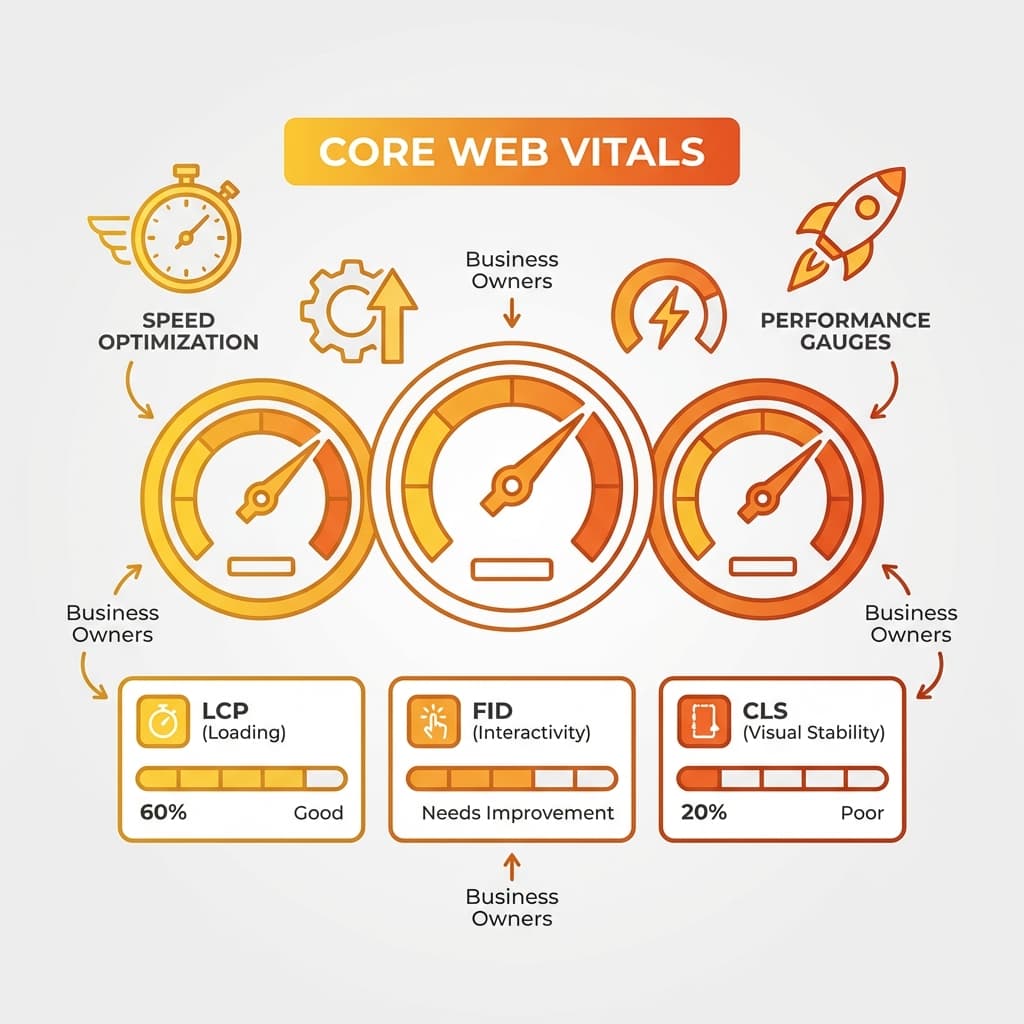
Largest Contentful Paint (LCP): Good is Under 2.5 seconds | Needs Improvement is 2.5 – 4.0 seconds | Poor is Over 4.0 seconds.
Interaction to Next Paint (INP): Good is Under 200 milliseconds | Needs Improvement is 200 – 500 milliseconds | Poor is Over 500 milliseconds. INP officially replaced First Input Delay (FID) as a Core Web Vital in March 2024.
Cumulative Layout Shift (CLS): Good is Under 0.1 | Needs Improvement is 0.1 – 0.25 | Poor is Over 0.25.
Field Data (CrUX) vs. Lab Data (Lighthouse): Field data reflects 28 days of real visitor traffic across diverse devices and connections, which Google uses for search ranking.
Largest Contentful Paint (LCP): The Wait Before Anything Useful Appears
Quick Answer: What Is LCP? Largest Contentful Paint measures how long it takes for the largest visible content element — usually a hero image, a headline, or a banner — to fully render on screen. A good LCP score is under 2.5 seconds.
Why LCP Matters to Your Business: LCP is effectively a first-impression timer. A visitor staring at a blank or half-loaded page for 4+ seconds doesn't experience your brand as "a bit slow" — they experience it as broken, and a meaningful share simply leave before your content ever appears. That's a lost visitor your marketing spend already paid to acquire, gone before they saw anything.
Common Cause: Large, unoptimized hero images served at full resolution instead of modern compressed WebP/AVIF formats.
Common Cause: Slow server response time (TTFB) — the page cannot start rendering until the server delivers the initial HTML byte.
Common Cause: Render-blocking CSS or JavaScript that halts the browser from displaying content it already has.
Common Cause: Absence of a Content Delivery Network (CDN), forcing distant visitors to fetch assets from a single server.
How to Improve: Compress and modernize images, serve static assets through a global CDN, eliminate or defer render-blocking scripts, and preload critical hero images and fonts.
Interaction to Next Paint (INP): How Responsive Your Site Actually Feels
Quick Answer: What Is INP? Interaction to Next Paint measures how long it takes for a page to visibly respond after a visitor clicks, taps, or types — essentially, whether the interface feels responsive or laggy. A good INP score is under 200 milliseconds. INP officially replaced First Input Delay (FID) as a Core Web Vital in March 2024, because FID only measured the delay before a response began, while INP measures the full interaction through to the visible result.
Why INP Matters to Your Business: INP problems are the most frustrating kind for a visitor, because they show up exactly when someone is trying to act — clicking "Add to Cart," opening a menu, or submitting a contact form. A button that doesn't visibly respond gets clicked again, sometimes several times, and each of those failed attempts erodes trust in the transaction right at the moment you need it most.
Common Cause: Heavy, unoptimized JavaScript bundles that block the browser's main thread when a visitor interacts.
Common Cause: Too many third-party scripts (chat widgets, analytics, ad tags) competing for CPU processing time.
Common Cause: Complex components re-rendering more of the DOM than necessary in response to a single click.
How to Improve: Break up long-running JavaScript tasks so the browser can respond to input between them rather than one large blocking task.
How to Improve: Audit and remove third-party scripts that aren't earning their performance cost, and defer non-critical JavaScript.
Cumulative Layout Shift (CLS): The Page That Jumps While You're Reading It
Quick Answer: What Is CLS? Cumulative Layout Shift measures how much visible content unexpectedly moves around while a page loads — the classic experience of trying to tap a button and hitting an ad that just loaded in above it instead. A good CLS score is under 0.1.
Why CLS Matters to Your Business: CLS is a direct cause of mis-clicks, and mis-clicks on the wrong thing — an ad instead of a menu item, the wrong product instead of the one you meant to select — create genuine friction and, on ecommerce websites, real cart or checkout errors.
Common Cause: Images or video embeds without reserved width and height attributes (or aspect-ratio in CSS), causing layout shifts once loaded.
Common Cause: Web fonts that load after the page renders, shifting text lines as the new custom font swaps in (FOUT).
Common Cause: Dynamically injected content — cookie consent banners, promotional top bars, ads — that pushes existing content down after initial render.
How to Fix: Always specify width and height attributes for media, reserve space for dynamic elements with CSS min-height, and use font-display strategies that minimize visible font-swap reflow.
How Core Web Vitals Affect SEO & AI Search Rankings
Core Web Vitals are one input in Google's broader page experience signals, not the single dominant ranking factor — strong content and relevance still matter most. But among technical factors, they're one of the few Google measures directly from real visitor behavior rather than inferring from page structure, which is why Google has steadily increased their weight since introducing them.
Furthermore, AI search engines (like ChatGPT, Perplexity, and Google AI Overviews) deprioritize slow or unstable pages during real-time retrieval passes. Optimizing Core Web Vitals is an essential foundation for our technical SEO audits and Generative Engine Optimization (GEO) programs.
Ranking Tiebreaker: Poor Core Web Vitals won't override genuinely strong content, but among pages of similar relevance, faster sites consistently outrank slower competitors.
Mobile-First Priority: Mobile Core Web Vitals carry particular weight since Google indexes mobile-first — a site scoring well on desktop but poorly on mobile is judged primarily on the mobile score.
AI Search Crawler Access: Fast Core Web Vitals ensure AI crawlers and bots can parse content instantly without timing out during multi-step RAG extraction.
Pillar Integration: Explored further in our Next.js & Headless CMS Enterprise Playbook and AI Search & SEO in 2026.
How to Test and Monitor Your Core Web Vitals
Understanding the difference between field data and lab data is essential for accurate diagnostics:
- Google Search Console: Shows Field data (CrUX) aggregated across your entire site over 28 days, grouped by URL pattern — this represents your actual ranking-relevant dataset.
- PageSpeed Insights: Displays both 28-day field data and an on-demand lab simulation with concrete diagnostic recommendations for specific URLs.
- Chrome DevTools Lighthouse: Lab data only — ideal for deep technical diagnosis during performance-focused web development before code goes live.
Field Data (CrUX): Measures 75th percentile of actual visitor experiences across real-world networks and devices.
Lab Data (Lighthouse): Controlled simulation under throttling — perfect for isolating which code chunk causes a bottleneck.
Free 60-Second Check: Paste any URL into Google PageSpeed Insights to inspect real-world field data and diagnostic opportunities.
Continuous Monitoring: Inspect Search Console monthly to catch performance regressions before they impact organic search rankings.
The Business Impact: What Slow Pages Actually Cost in Revenue
It's easy to treat performance work as a technical nice-to-have competing with feature requests and content updates for engineering time. The research on page speed and conversion consistently shows it's closer to a revenue line item.
Reframing the Conversation: Instead of asking "should we spend engineering time on Core Web Vitals," the more accurate question is "how much revenue is our current load time costing us every month." Framed that way, performance optimization usually competes very well against other roadmap priorities.
Conversion Rate Loss: Even small increases in load time correlate with measurable drops in conversion rates, especially on checkout and lead capture flows.
Bounce Rate Escalation: Bounce rate rises sharply as load time passes 2 seconds — visitors who never see your content cannot convert.
Mobile Traffic Vulnerability: Mobile represents the majority of web traffic, and cellular networks magnify the penalty of bloated JavaScript bundles.
Ad Spend Efficiency: High bounce rates on slow landing pages inflate customer acquisition costs across paid Google and Meta campaigns.
Platform-Specific Considerations (WordPress, Shopify, Next.js)
Different web platforms present distinct Core Web Vitals challenges and engineering solutions:
WordPress: Frequently suffers from plugin bloat, unoptimized theme assets, and missing caching layers. Resolved with server-level caching, WebP conversion, and plugin audits.
Shopify: Challenged by third-party tracking apps injecting scripts into the checkout header. Resolved by app performance audits and leveraging Shopify's native image CDN.
Next.js: Provides the highest-performance baseline through server-side rendering (SSR), static generation (SSG), and automatic font optimization. Maintained by code-splitting and client-side JS pruning.
Architectural Upgrade: When legacy platforms reach performance limits, migrating to a custom Next.js web application delivers guaranteed sub-second load times.
Should You Fix This Yourself or Hire an Expert?
Some Core Web Vitals fixes are within reach for non-developers (image compression, removing redundant plugins), while deep architectural fixes require professional engineering.
Free Core Web Vitals Check: PageSpeed review with a plain-English diagnosis of failing metrics. Best for businesses unsure if they have a real problem.
Website Speed Audit: Full technical diagnosis across LCP, INP, and CLS with a prioritized remediation list. Best for teams ready to plan a performance sprint.
Performance Optimization Engagement: Hands-on implementation of code splitting, script deferral, CDN caching, and layout stabilization by Belk Digital engineers.
Full Redesign Option: If your platform or theme is fundamentally broken, our website redesign services built on Next.js provide a permanent solution.
Conclusion
Core Web Vitals are not just a technical checklist — they represent the direct pulse of your user experience and commercial conversion rate. By optimizing LCP, INP, and CLS, forward-thinking businesses protect search rankings, slash bounce rates, and turn more visitors into paying clients. To review your site's performance metrics, explore our client case studies, check our portfolio, or contact Belk Digital for a free speed check.
Frequently Asked Questions
Need Expert Help with This?
If you’re looking to implement these strategies for your business, our team can help you plan, build, and scale with confidence.
ContactReady to Transform Your Digital Presence?
Let's discuss how we can help you achieve your digital goals and create an exceptional online presence.